
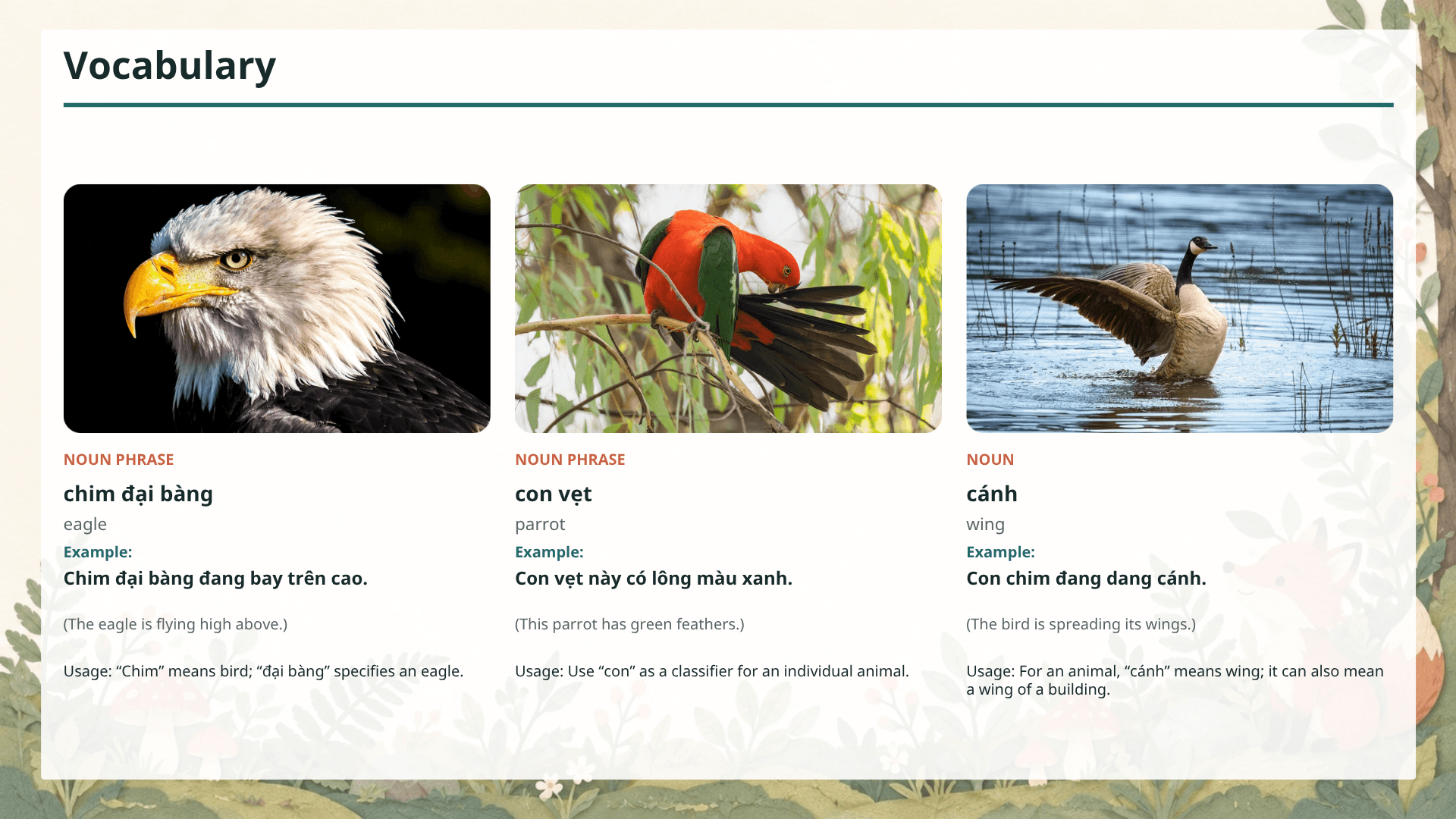


01 · Learner profile
Manage student content
Create a learner profile with their proficiency level, goals, and support language, then keep every student-related file organized in one place.
Let HeyLesson do the heavy preparation for you. Save 5+ hours of preparation every week with ready-to-teach, customizable lesson plans.
Try HeyLessonFeatures that will fit your preparation flow
01 · Learner profile
Create a learner profile with their proficiency level, goals, and support language, then keep every student-related file organized in one place.
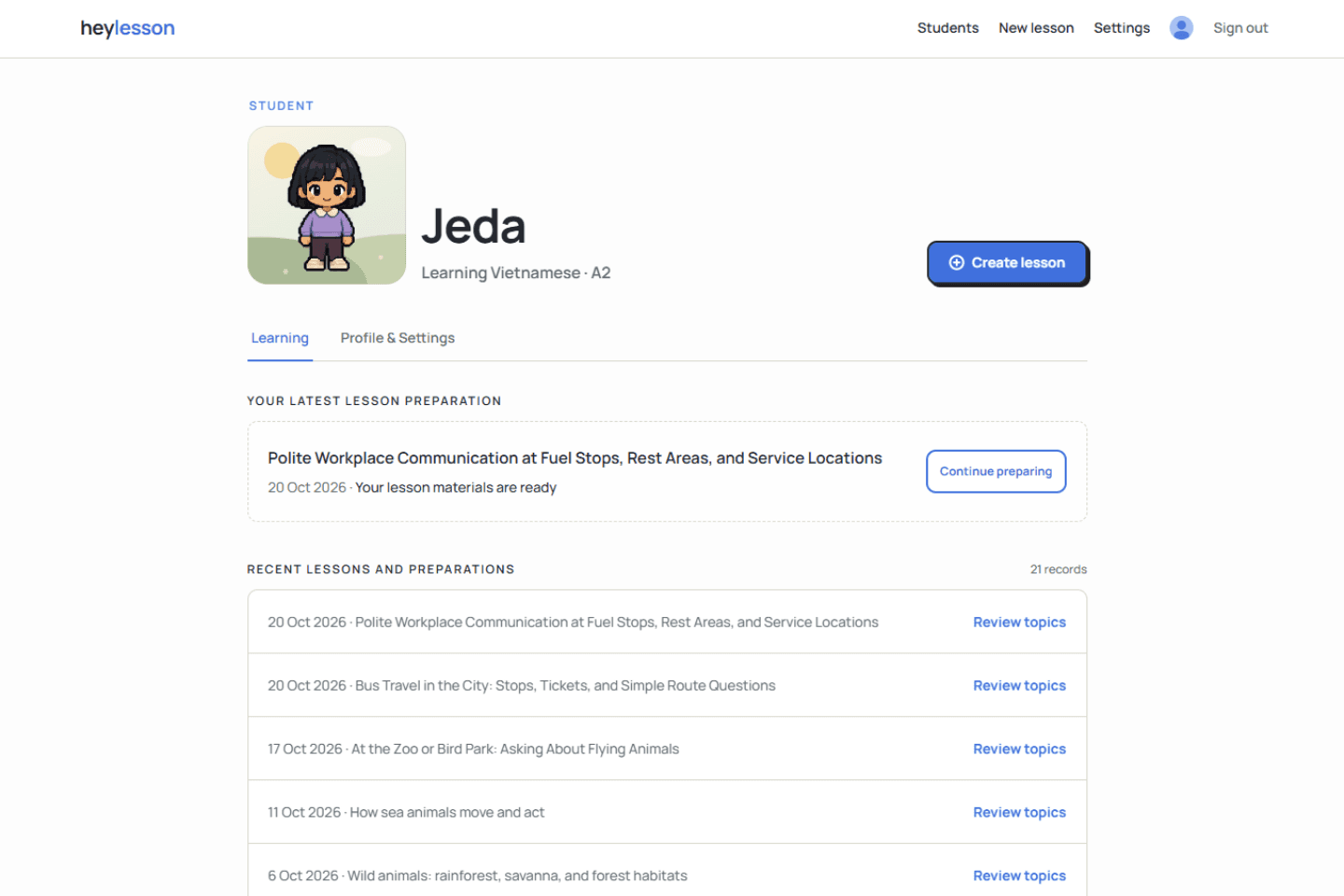
02 · Lesson planning
Use Heyley, our Chrome extension, to automate lesson planning during Google Meet lessons, or prepare the next lesson manually. Choose the sections and exercises you want to include.
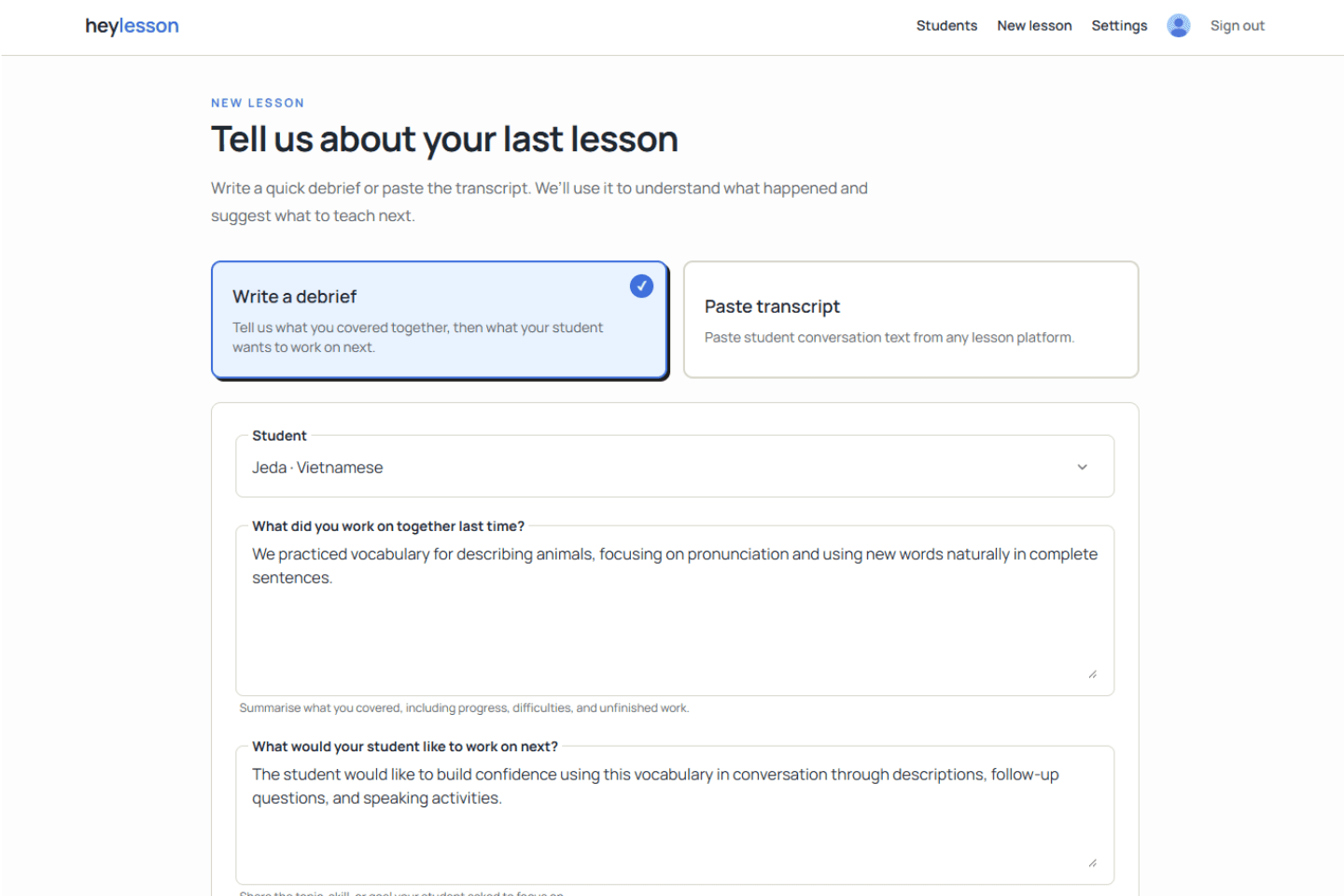
03 · Lesson editor
Change slide designs, section layouts, backgrounds, and images to suit your teaching needs.
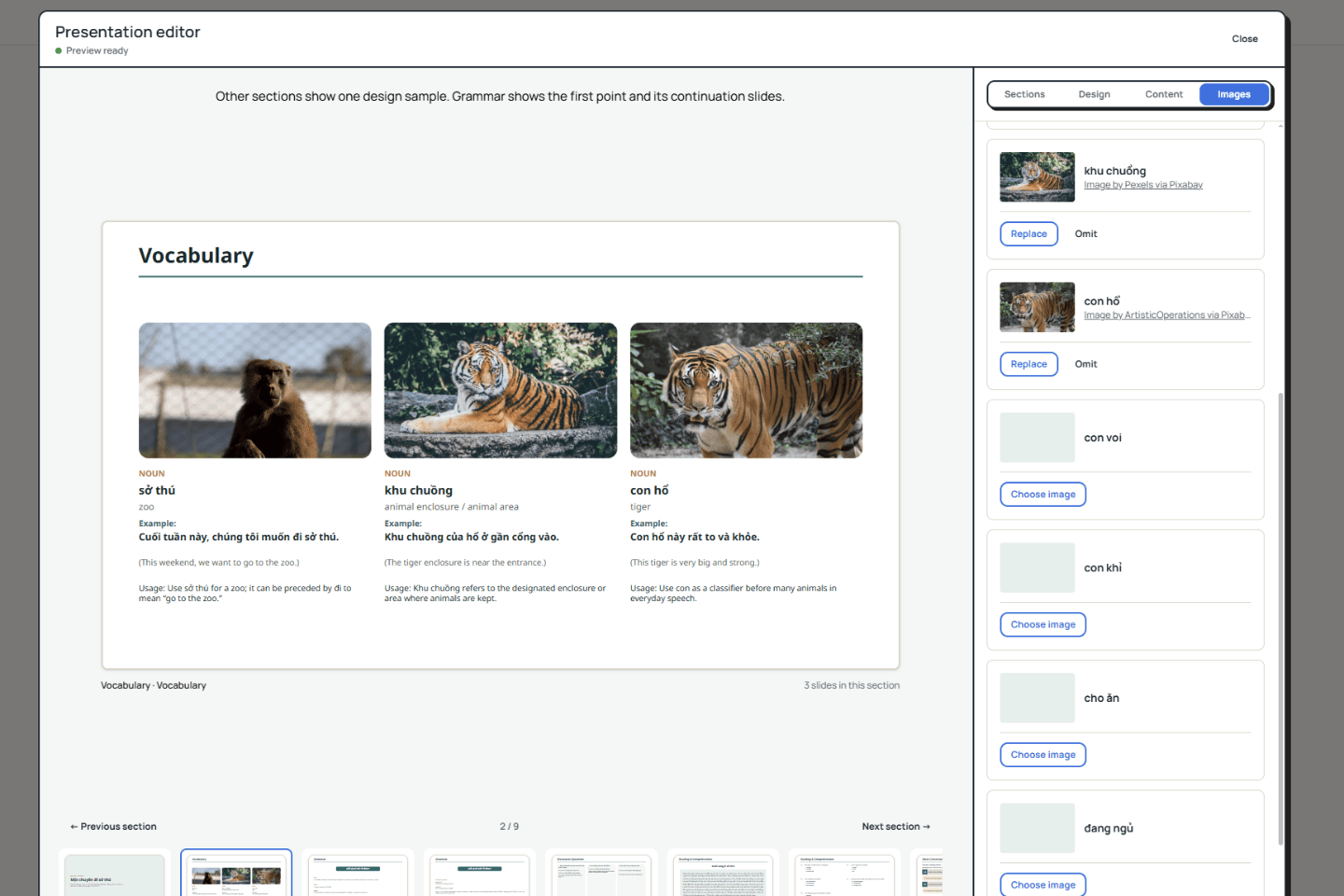
04 · Export
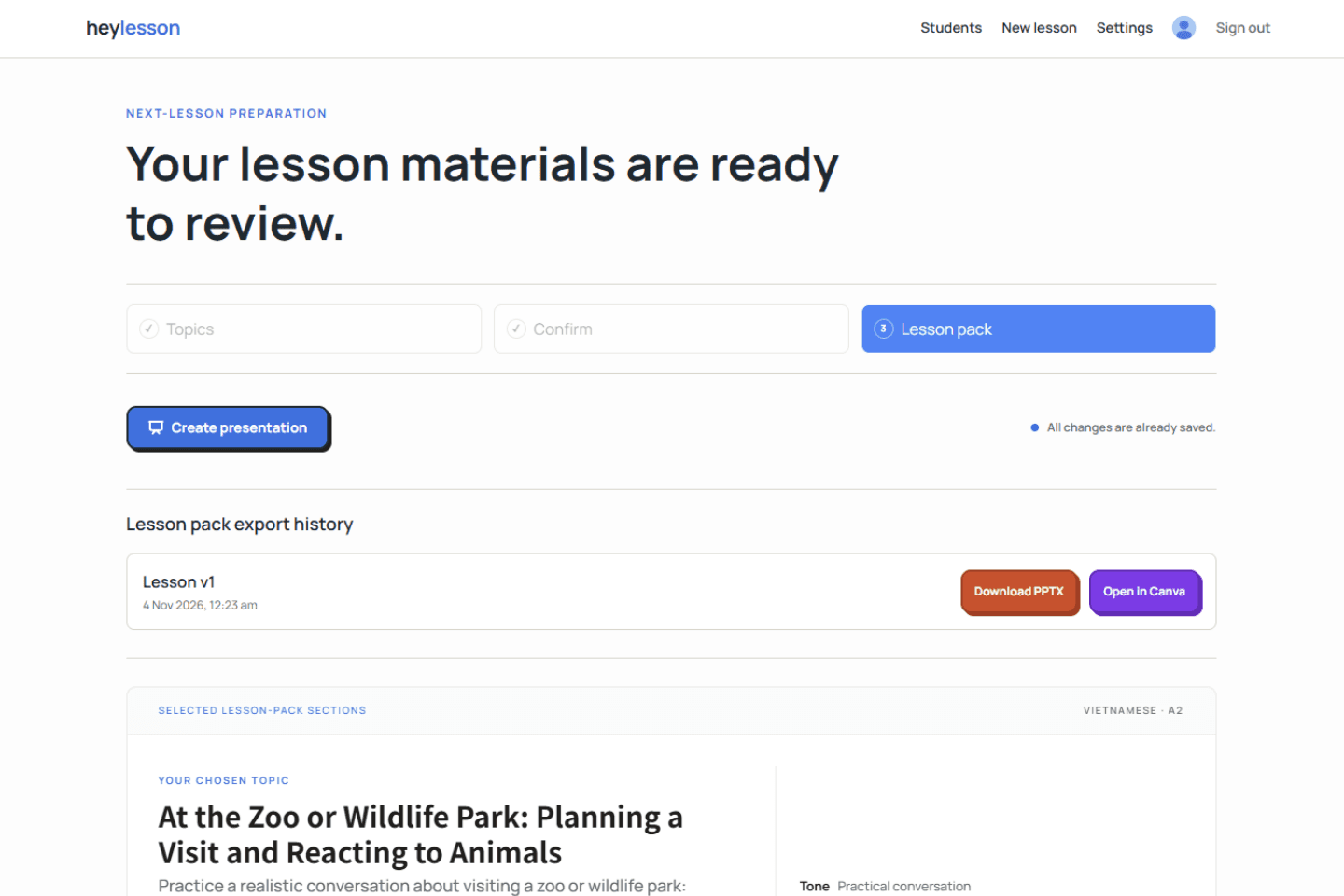
Open the final presentation in your Canva account or download it as a PowerPoint to fit your teaching flow.
Questions
The beta stays focused on the preparation decisions that matter most to independent tutors.
HeyLesson is built for independent language tutors who teach adult students one-to-one and want each new lesson to continue naturally from the last.
You can write a quick tutor debrief, paste a transcript from any lesson platform, or use Heyley Companion for a supported, consented Google Meet lesson.
It helps you choose the next direction and creates an editable lesson pack with vocabulary, grammar, discussion, reading, conversations, exercises, tutor guidance, audio, and presentation slides according to your choices.
No. You review the evidence, choose and edit the direction, control the content mix, refine the pack, and decide when it is ready.
On supported one-to-one Google Meet lessons, the desktop Chrome extension captures remote tab audio only after consent confirmation and Chrome's tab-sharing prompt. It does not use the tutor microphone, record video, or add a meeting participant.
Raw lesson sources and full transcripts are retained for 30 days, while the tutor-confirmed direction and generated materials remain available. You can also delete a student and their associated lesson data.
Start with HeyLesson
Create your account and start preparing personalized lessons from the context you already have.